See what happened.
- Job and session history
- Active, failed and attention states
- Exportable logs for support
Explore the real menus, controls and output options. Each screen links to its own written guide.
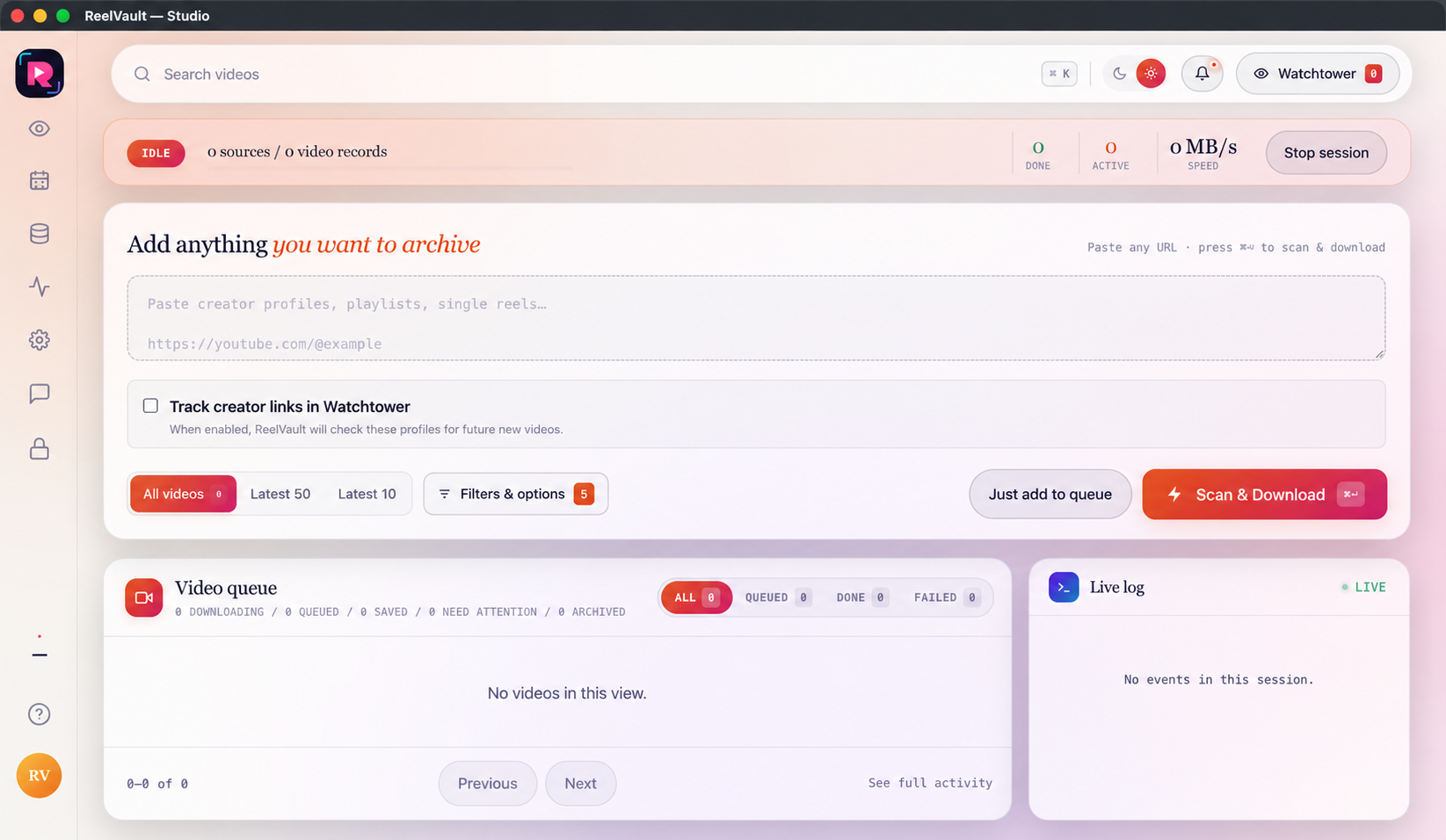
Start with one link or a full creator profile. Choose all items, latest 50 or latest 10, then add the job to the queue or scan and download now. The session banner, queue cards and live log show what is happening.
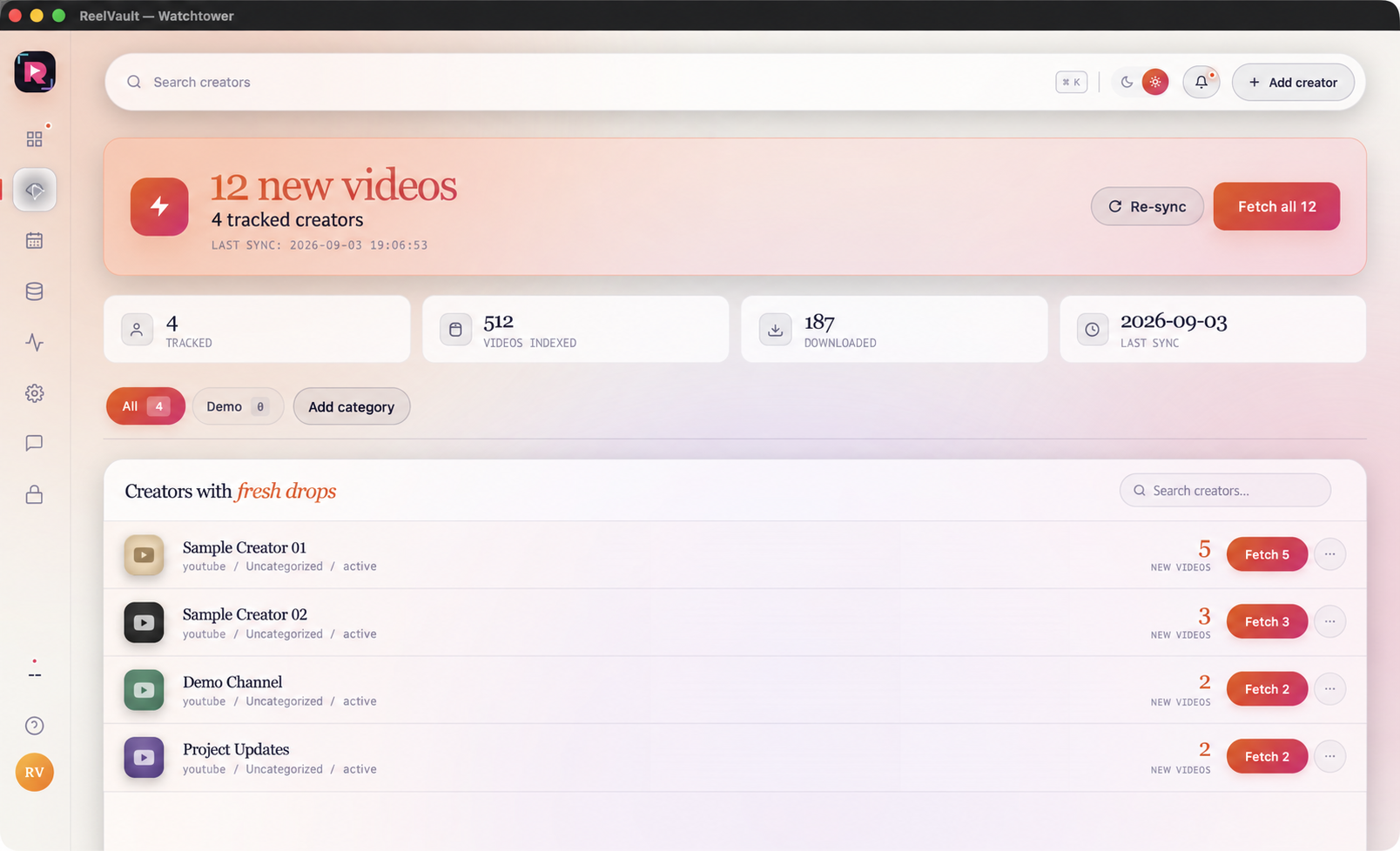
Watchtower keeps a watch list of creators and shows new videos, last sync and attention states. Sync a creator to check for new videos, then fetch one creator or the reviewed list and follow the job in the main queue.
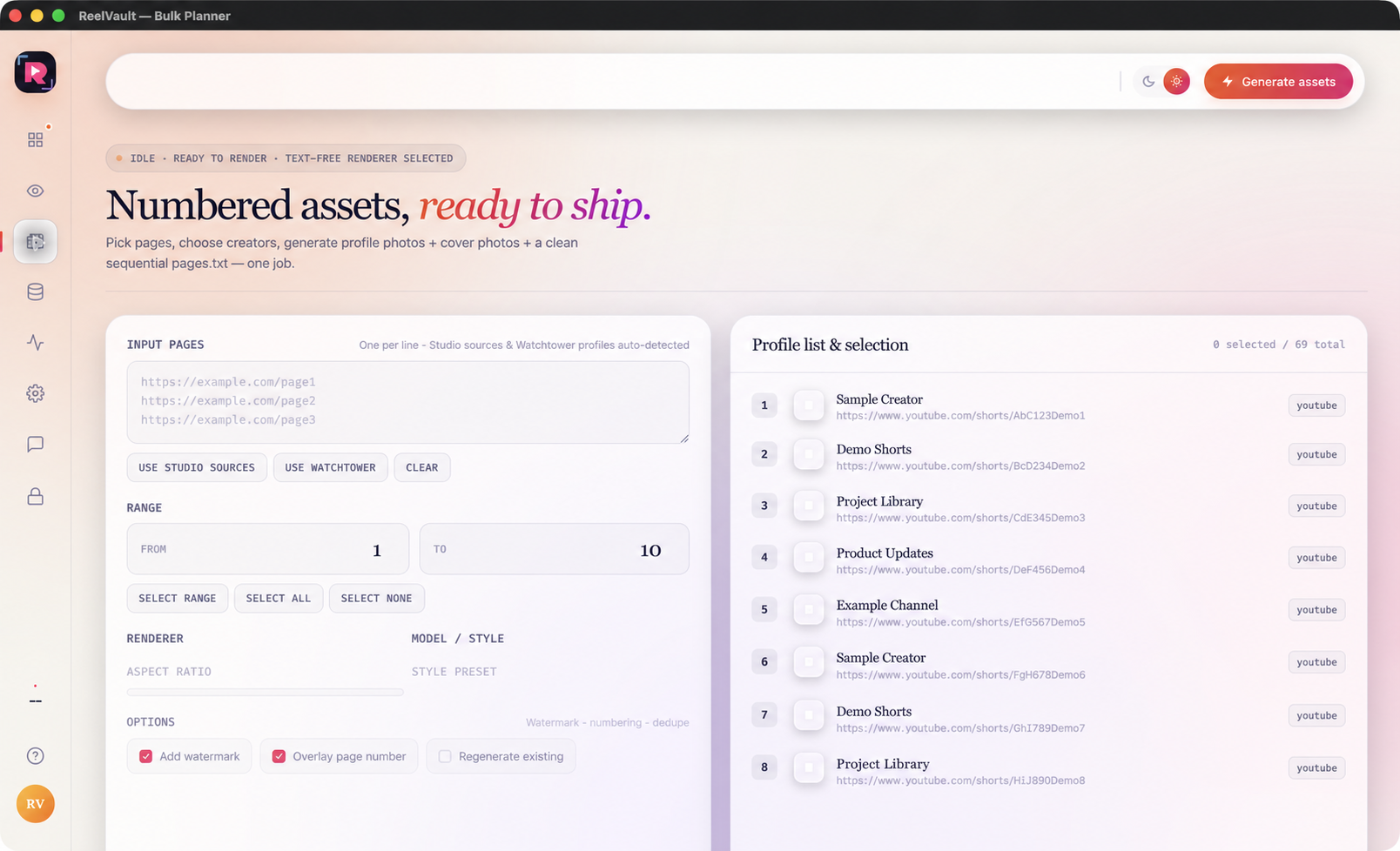
Reuse Studio sources, Watchtower creators or pasted page links. Select all, none or a clear From–To range, then generate local profile and cover assets with an organised pages.txt file.
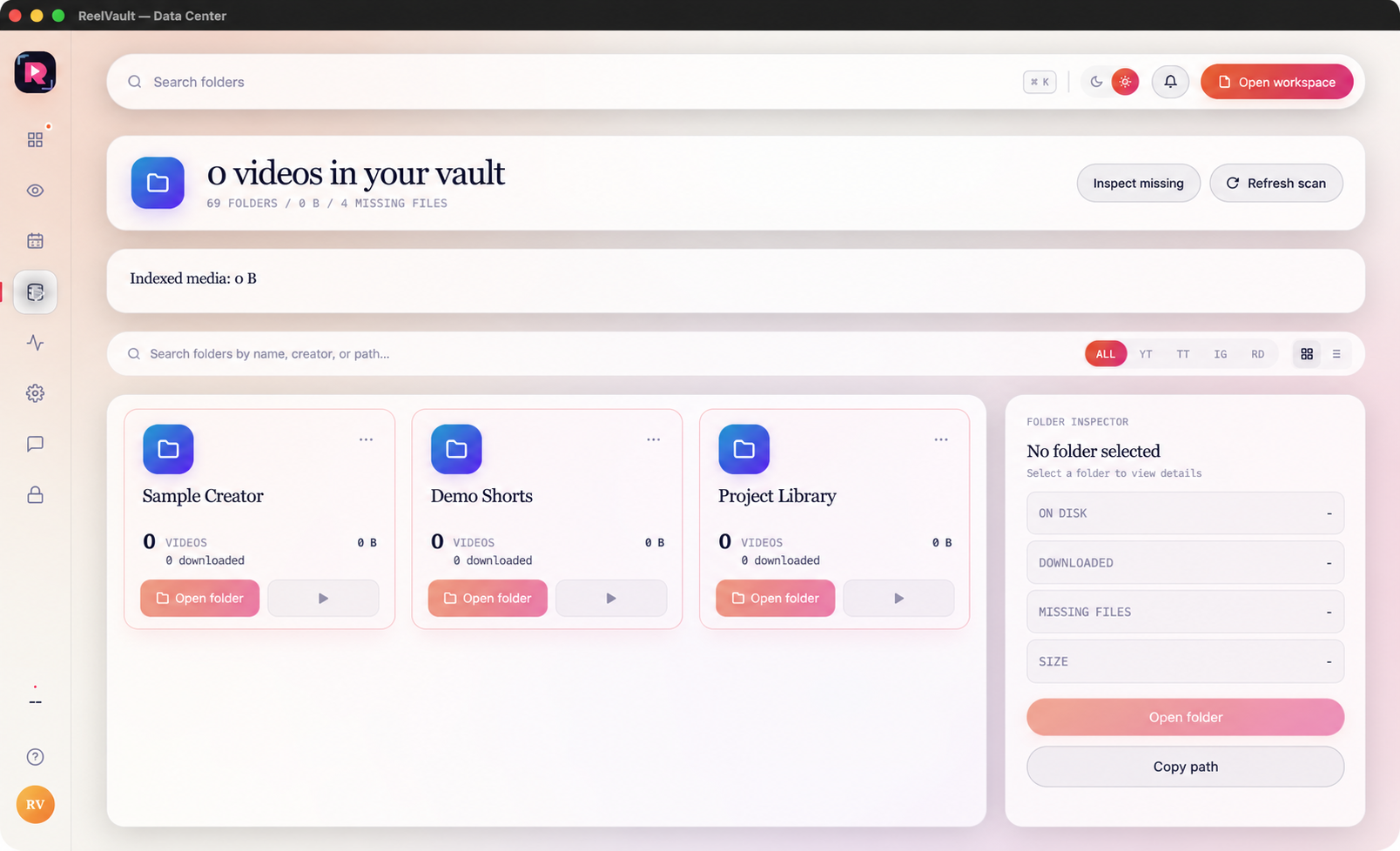
Data Center is the searchable local library for files your team has collected. Switch between grid and list views, filter by platform, inspect metadata, reveal the file on disk and find missing or duplicate records before they become a production surprise.
Settings keep workspace and output choices close at hand: filenames, captions, subtitles, metadata, duplicate checks, subfolders, thumbnails, speed, login, proxy, translation, notifications and test runs.
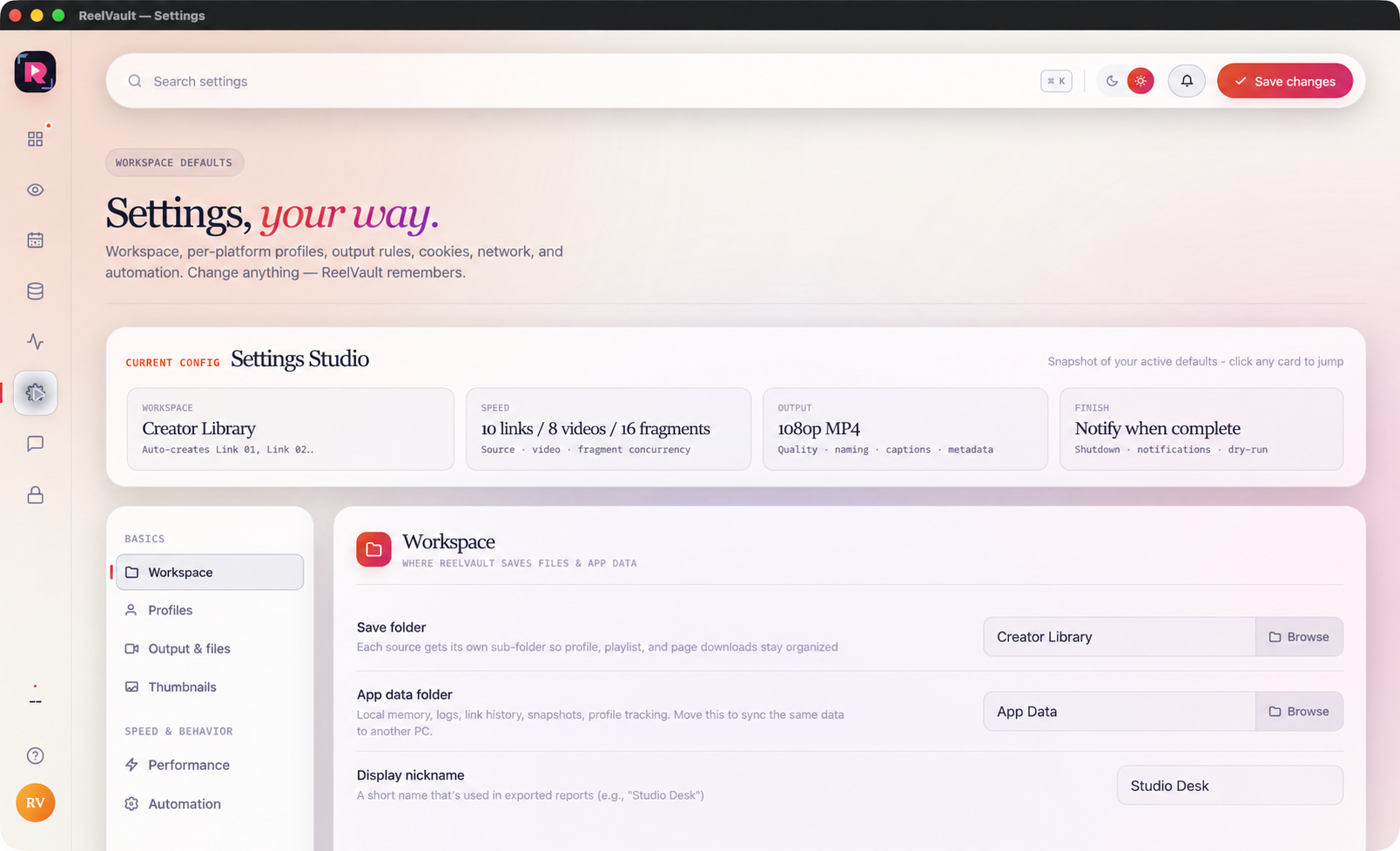
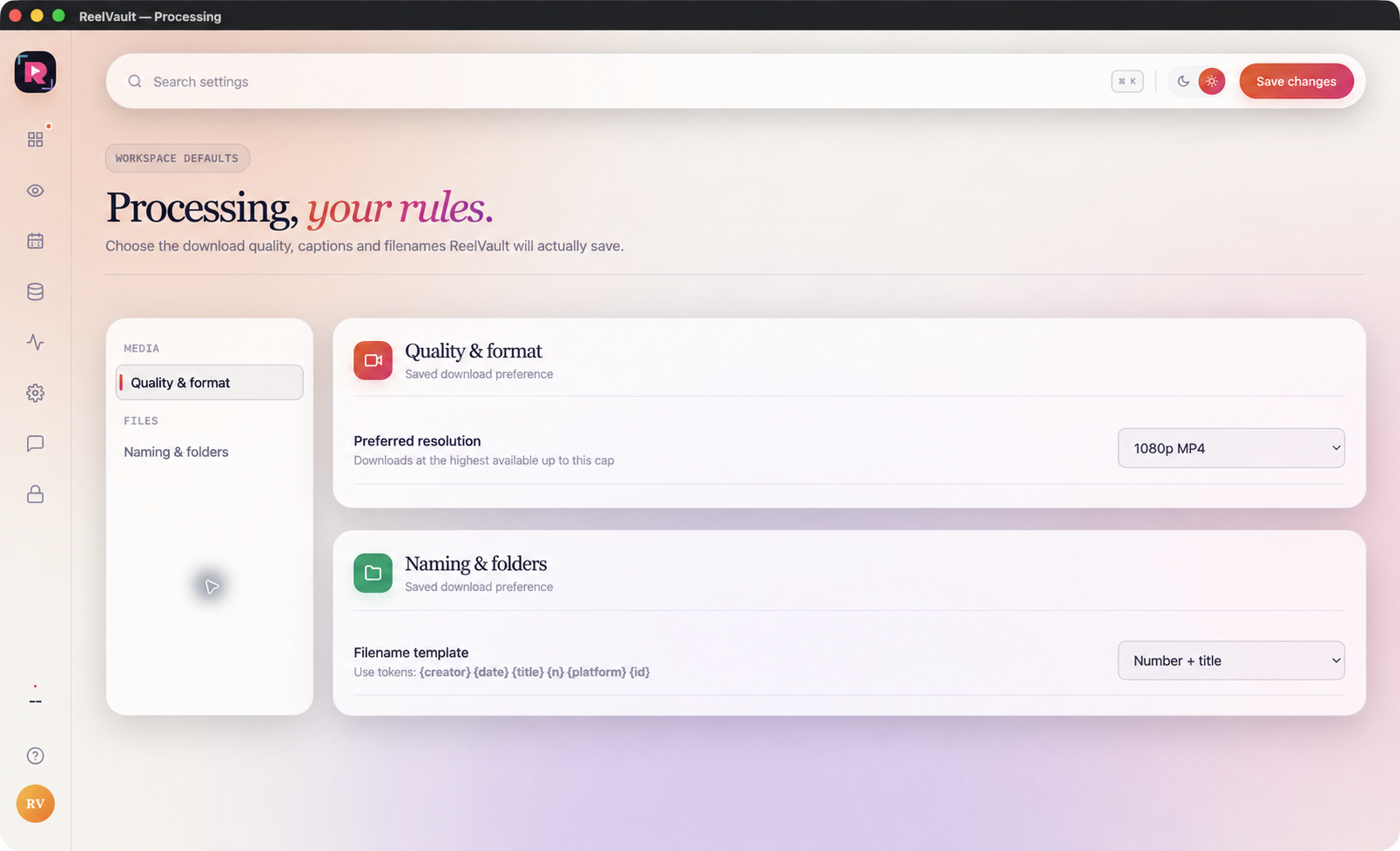
Processing is where the final output rules become clear: quality and resolution, naming patterns, folder structure, thumbnails and the small choices that make a local vault easy to use later.
Use this directory to check a feature before buying, or to find the right menu after installation.
Check your computer, choose a plan and follow the first lesson.