Discovery should feel like a list, not a second job.
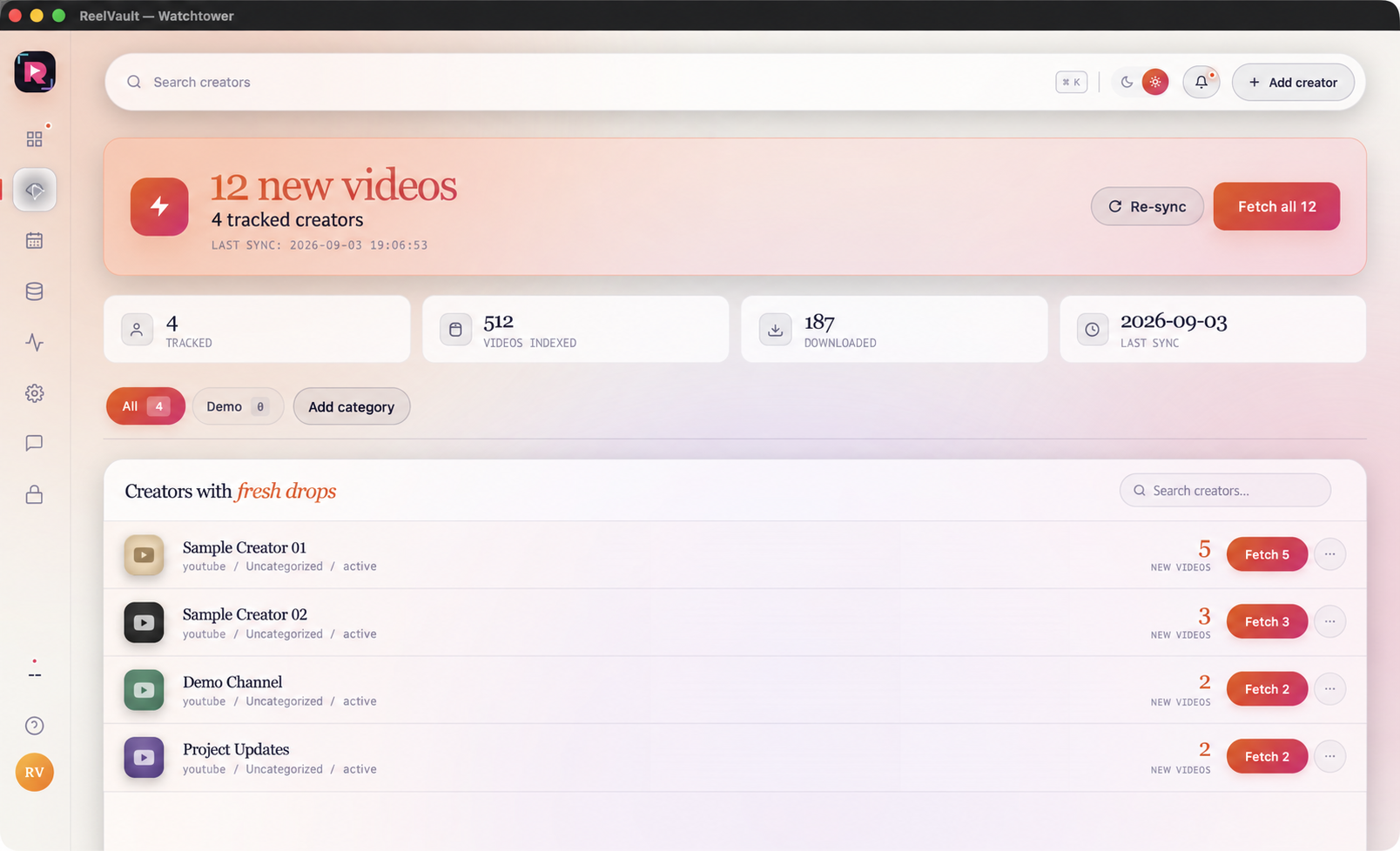
The Watchtower surface is built around the question “what changed?” Keep the tracked list focused on creators you are authorised to monitor, then use freshness and sync signals to decide what should start as a download job.
Choose the creators that matter
Add the profiles you actually use. A short list is easier to trust than a giant watch list that no one reviews. Categories and search keep the list navigable as it grows.
Read freshness before you fetch
Each source carries its last sync and new-video state. Use that context to distinguish a real fresh drop from a source that simply needs attention or a permission check.
Fetch one creator or the whole sweep
Use the per-creator action when you want a precise update. Use Fetch All when you have reviewed the list and want a controlled sweep. The point is to keep the choice explicit.
Follow the job in the main queue
A Watchtower fetch starts the creator job directly. Move to the main queue to read progress, completed items, warnings or retries.