Find the right tool in one clear place.
Choose the stage you want to speed up. Read the short overview, then open a product to see every main screen, setting and tutorial.
Start with the result you need.
You do not need every tool on day one. Pick one clear job and open the full product page.
Find, download and organise.
Choose ReelVault when the job begins with creator profiles, playlists or individual links.
Compare ReelVault features ↗ Have video filesEdit, review and export in bulk.
Choose Forge when the videos are ready and one design needs to work across the batch.
Compare Forge features ↗ Need both stagesBuild the full content workflow.
Collect in ReelVault, hand over one organised folder, then improve and export in Forge.
See the tool handoff ↗The right tool.
Less repeat work.
See what each app does, explore the real screens and choose the one that fits your next job.
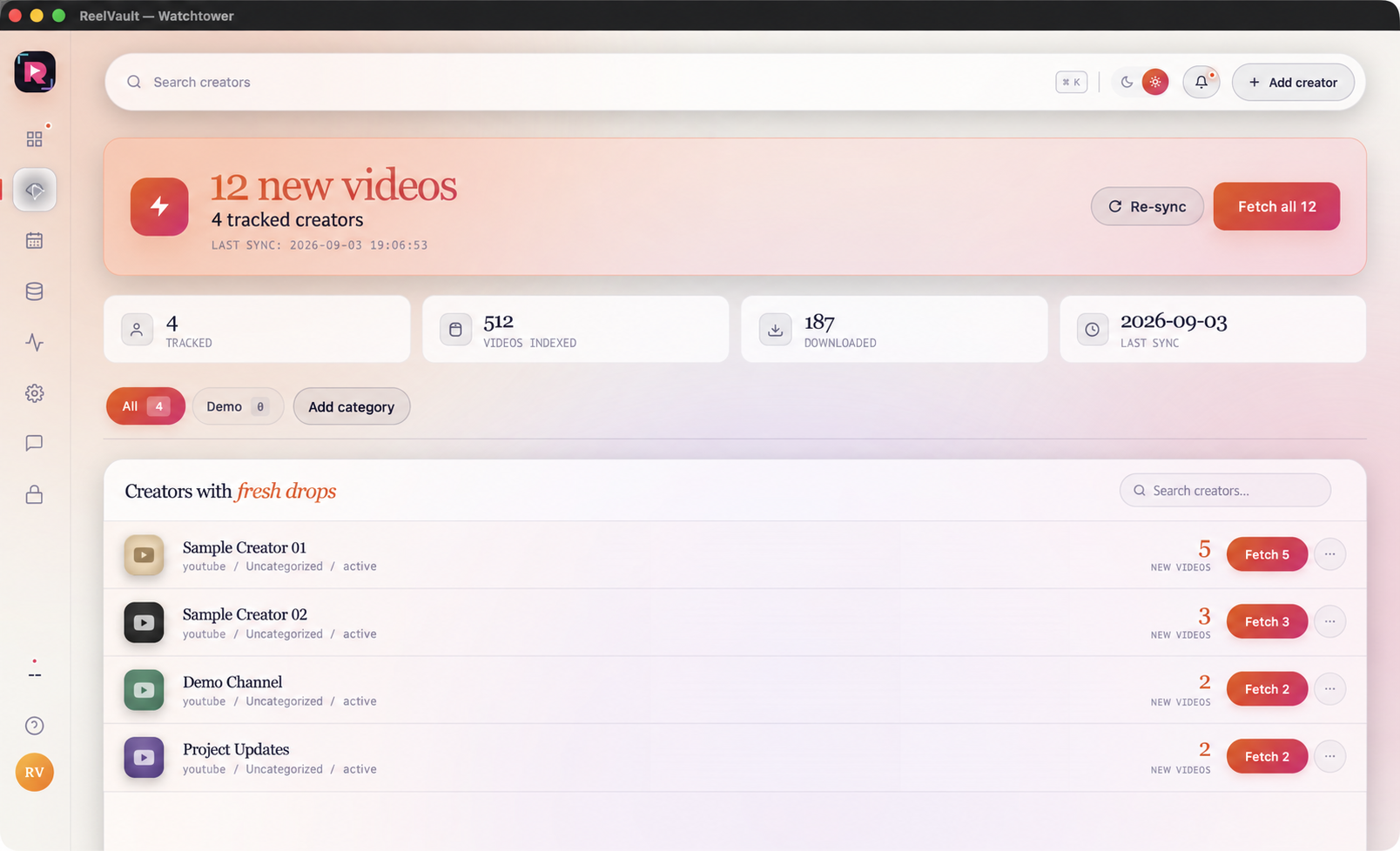
Find and download videos in bulk.
Collect from approved links, follow new creator videos and keep every saved file easy to find.
- Profiles, playlists and individual links in one queue.
- Saved creators, fresh-video counts and reviewed fetches.
- A local vault, file states and download history.
Improve a full batch of videos.
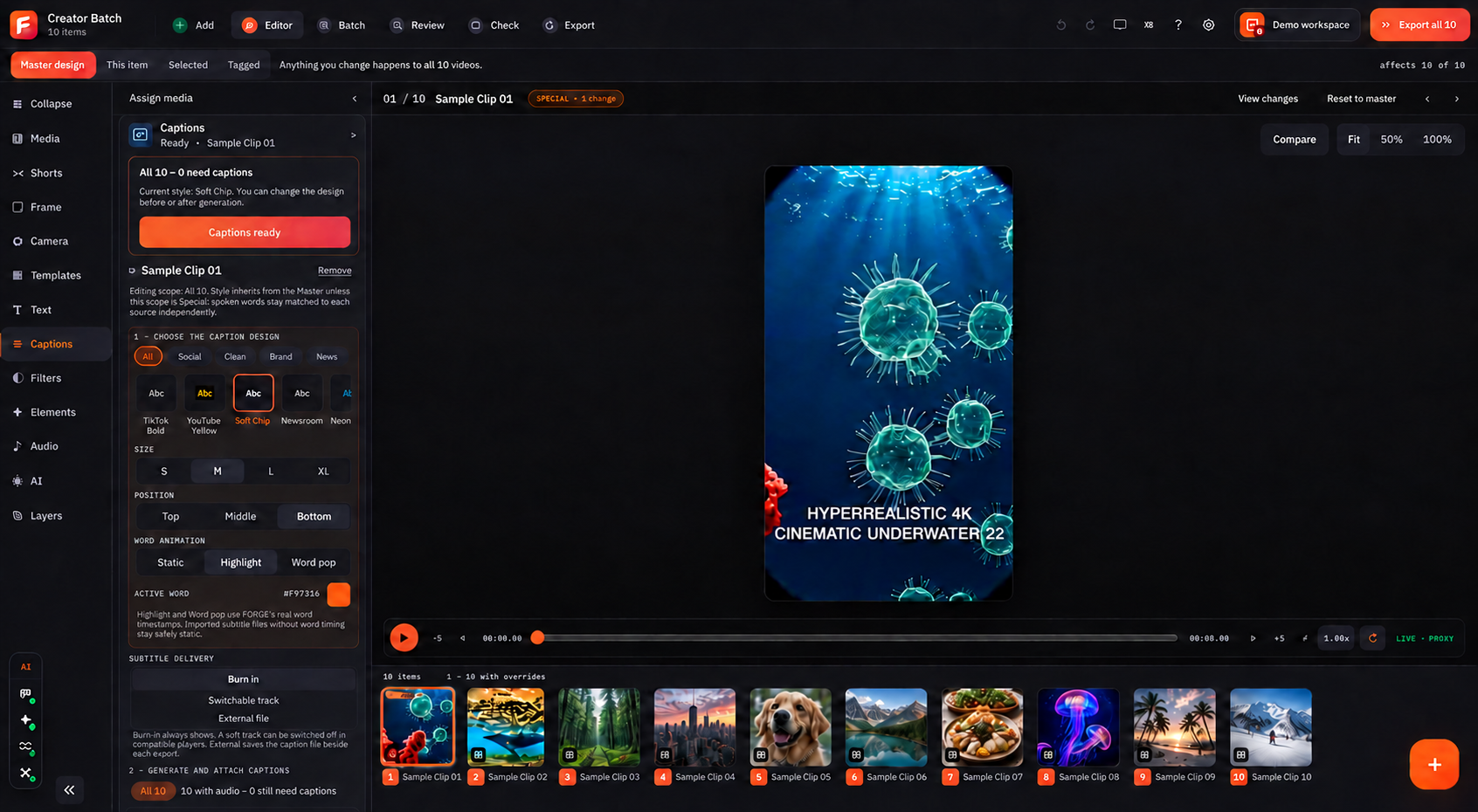
Build one master design, apply it across your batch, then adjust only the clips that need a different look.
- Templates, captions, branding, audio and layers.
- Master, This item, Selected and Tagged edit scopes.
- Review, rights notes, export variants and file checks.
Enough detail to decide. Enough help to begin.
The structure stays familiar, so users always know where to find the answer.
Start with the stage you need to scale.
Find and download in ReelVault. Add value and export in Forge Studio.