Design once
Templates, captions, branding, audio and layers.
Turn a folder of clips into a consistent batch. Choose your layout, captions and branding. Apply them together, fine-tune any clip, and export.
Pick a look. See it on ten videos.
Interactive preview ↓Set the layout, captions and branding once. Keep the same look across your videos, with room to adjust each clip.
Templates, captions, branding, audio and layers.
Master, This item, Selected and Tagged edit scopes.
Review, rights notes, export variants and file checks.
Follow the steps. See the actual app at each stage.
Import local videos in Add, then open Editor. Use Master design for changes across the batch. This real Editor screen has ten videos open together.
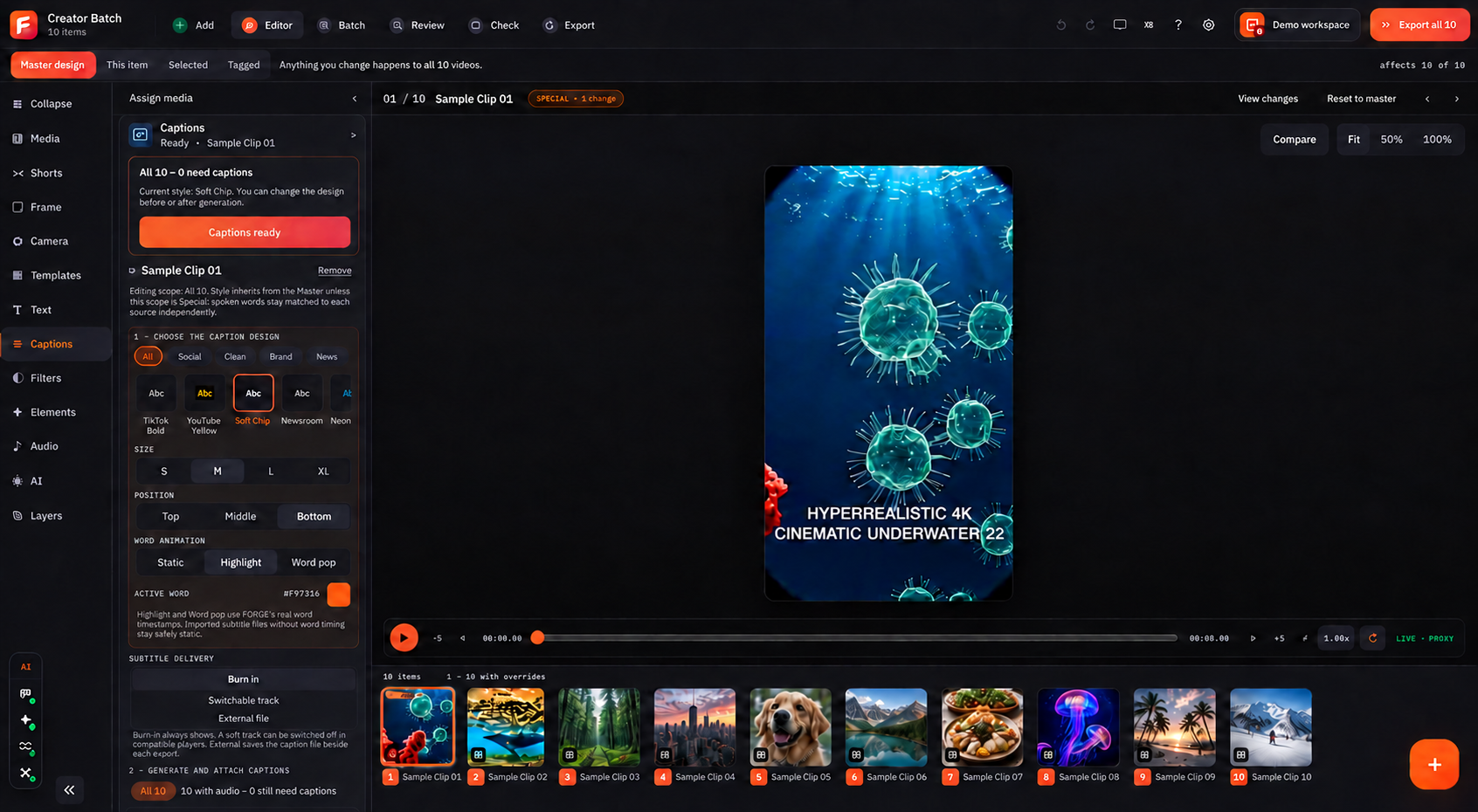
Choose a template, arrange layers and style your captions. Use the editor panels for framing, text, elements, audio and more. Preview the result before applying it widely.
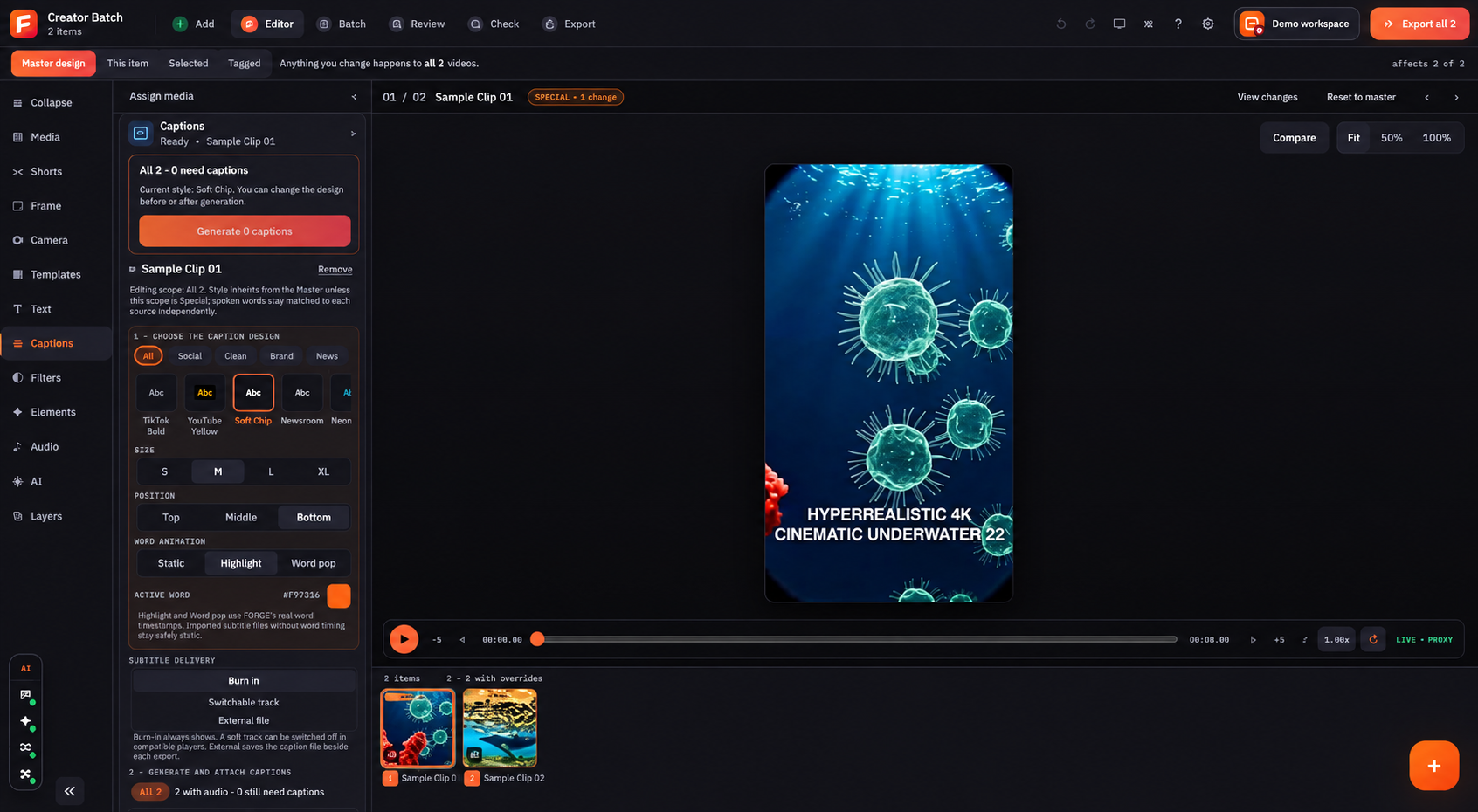
Use Master design, This item, Selected or Tagged. Keep shared settings for the batch and give individual clips the changes they need.
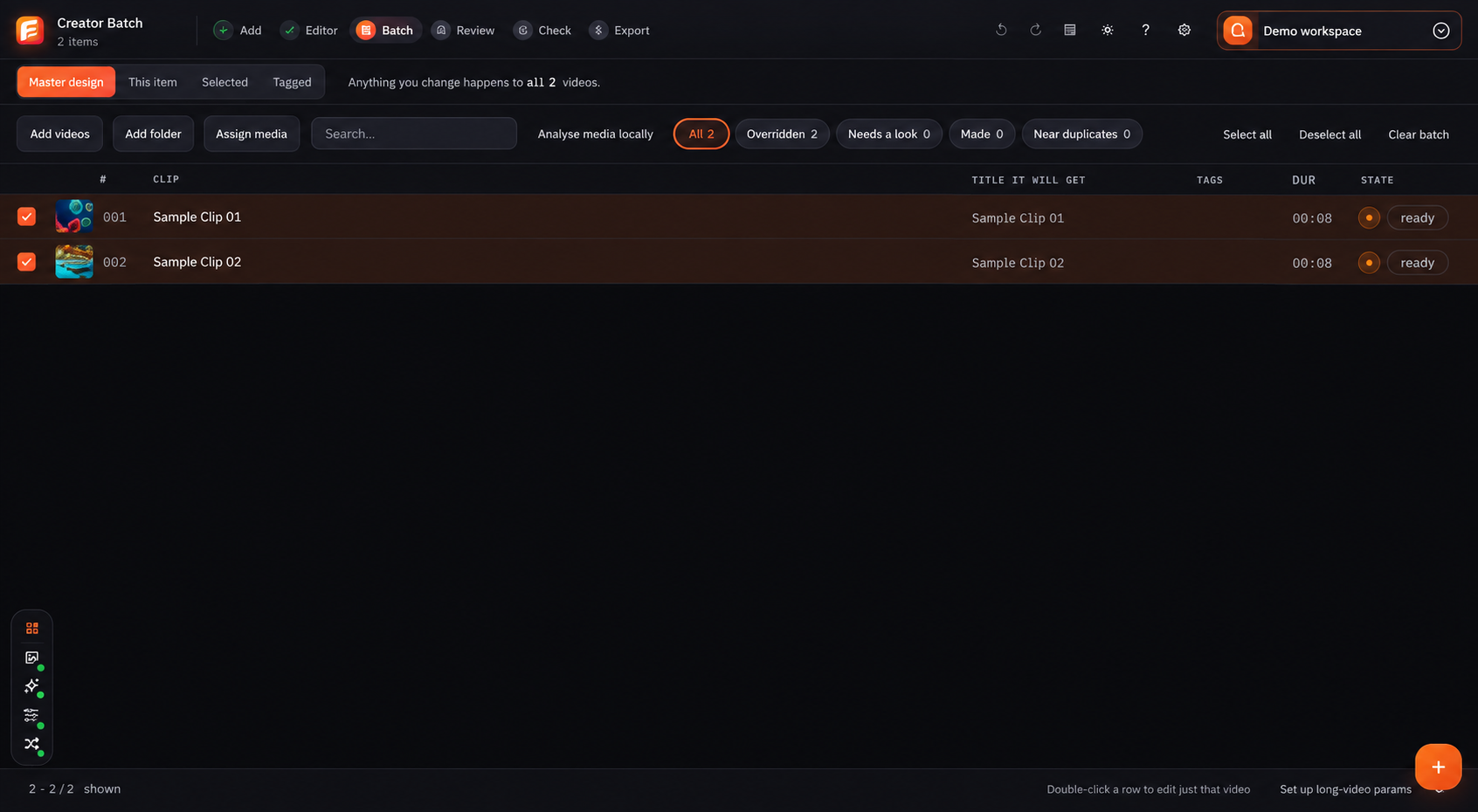
Move through previews and item states. Check the crop, text position, audio and any warnings. Fix the clips that need attention before the final run.
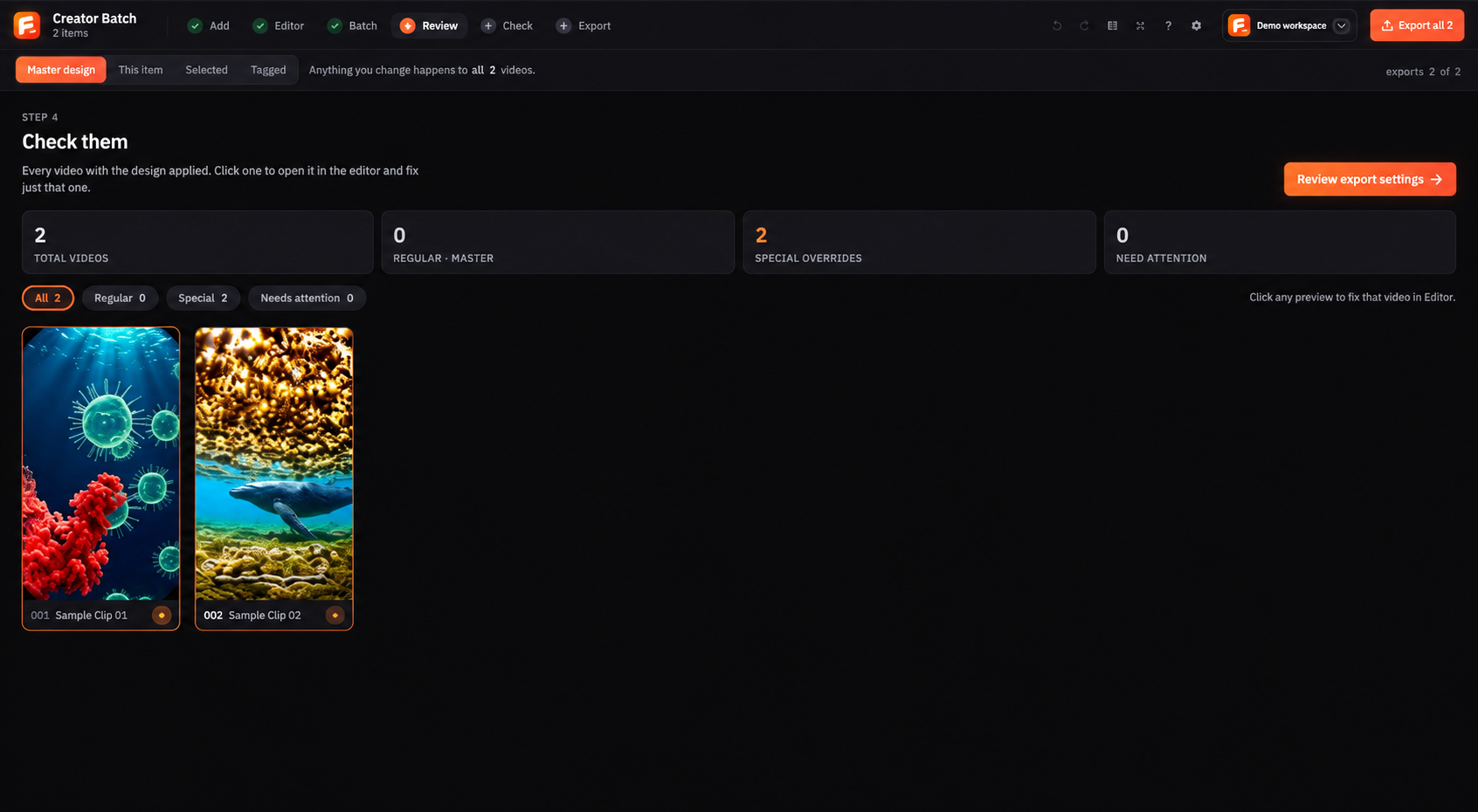
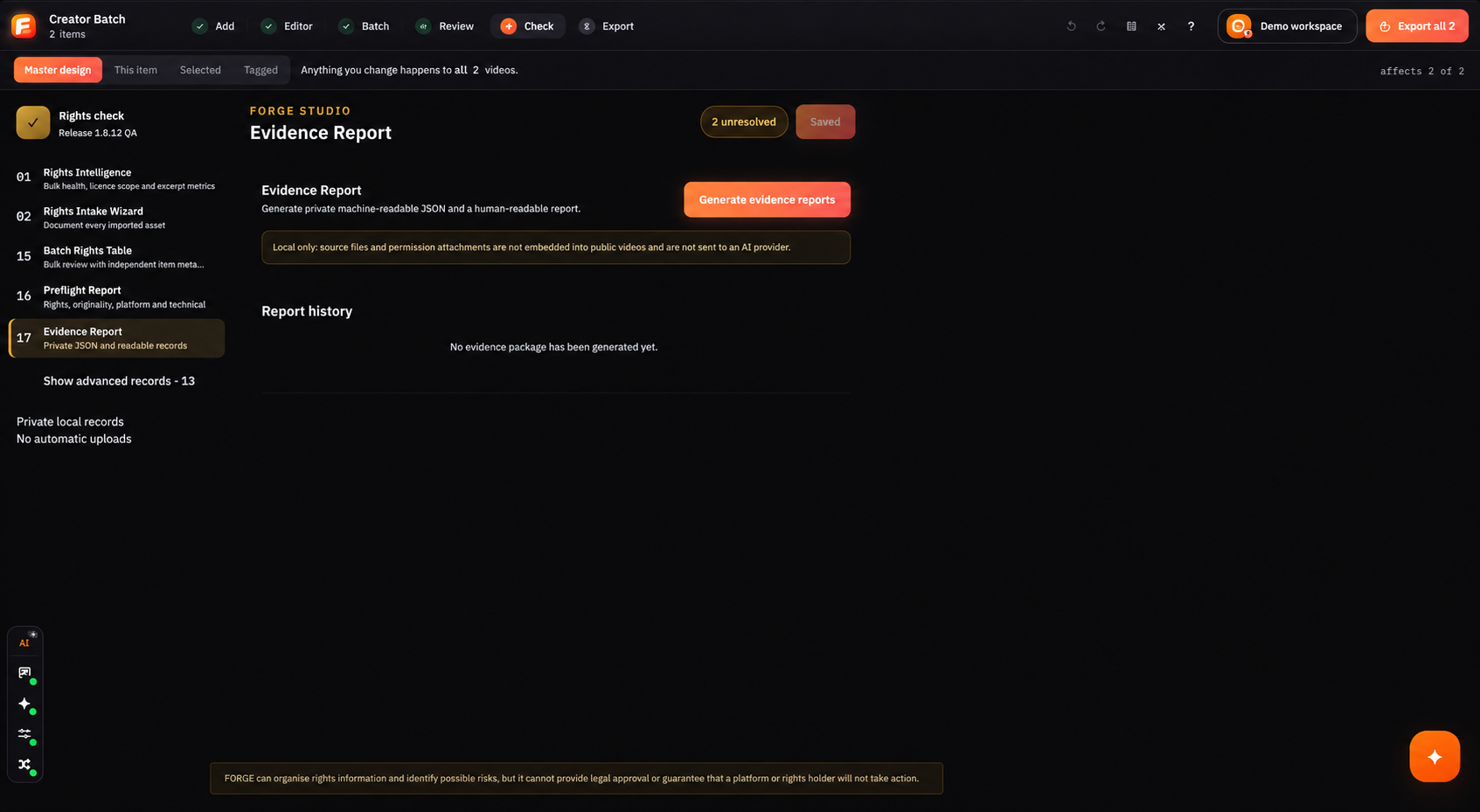
Record evidence, review open questions and run preflight. These tools support your own review; they do not grant permission or provide legal approval.
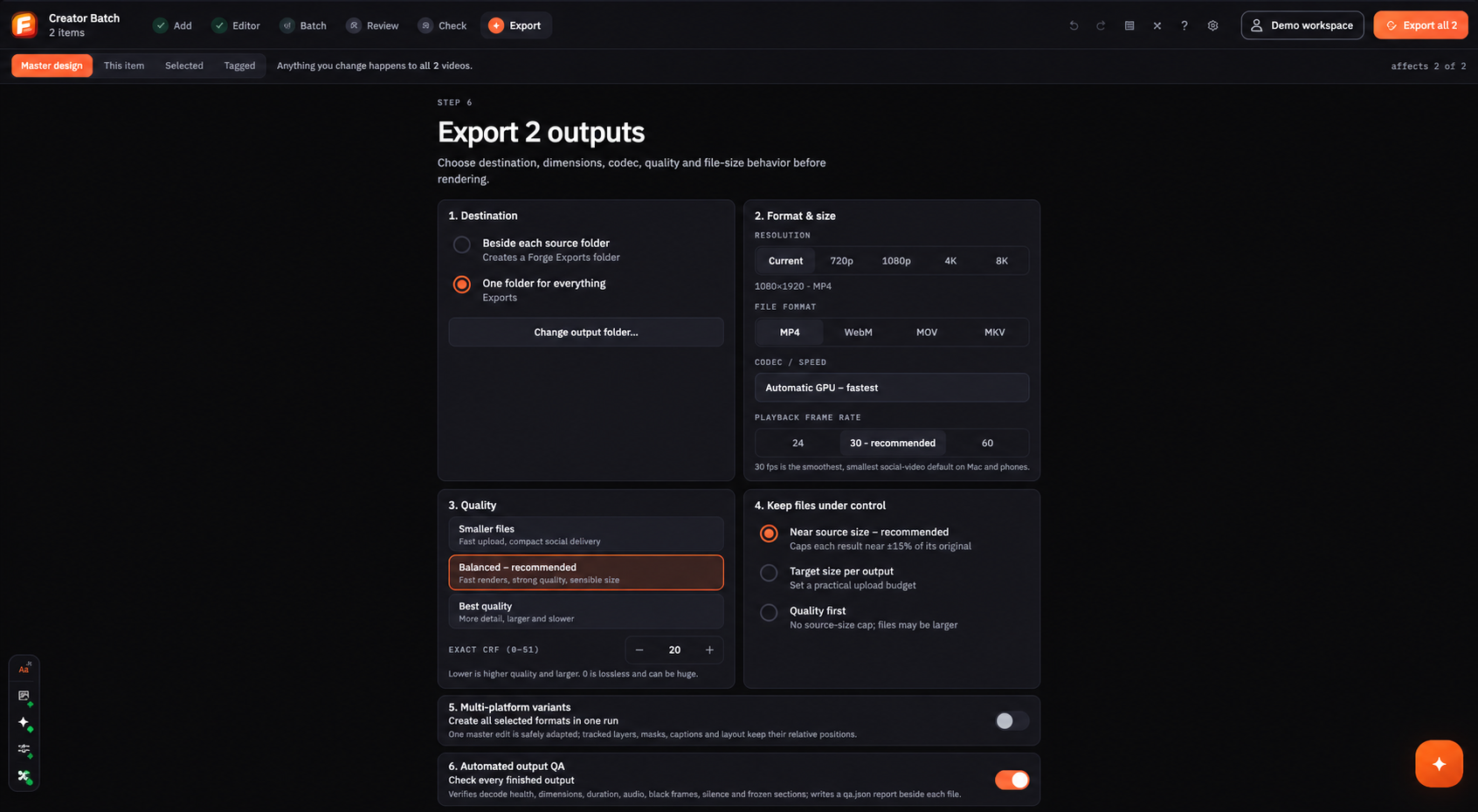
Choose your output folder, format, size, frame rate and quality. Create the versions you need and run the final file checks. Upload the checked files yourself.
 Open full screen ↗
Scroll to follow the workflow