Learn one task at a time, inside the real flow.
Choose a product, then follow short guides in the same order as its menus. Simple English and real screens make every next step easy for a new team member.
Start where your current job starts.
Each product keeps its own lessons, menu names and settings together.
From a source link to a useful vault.
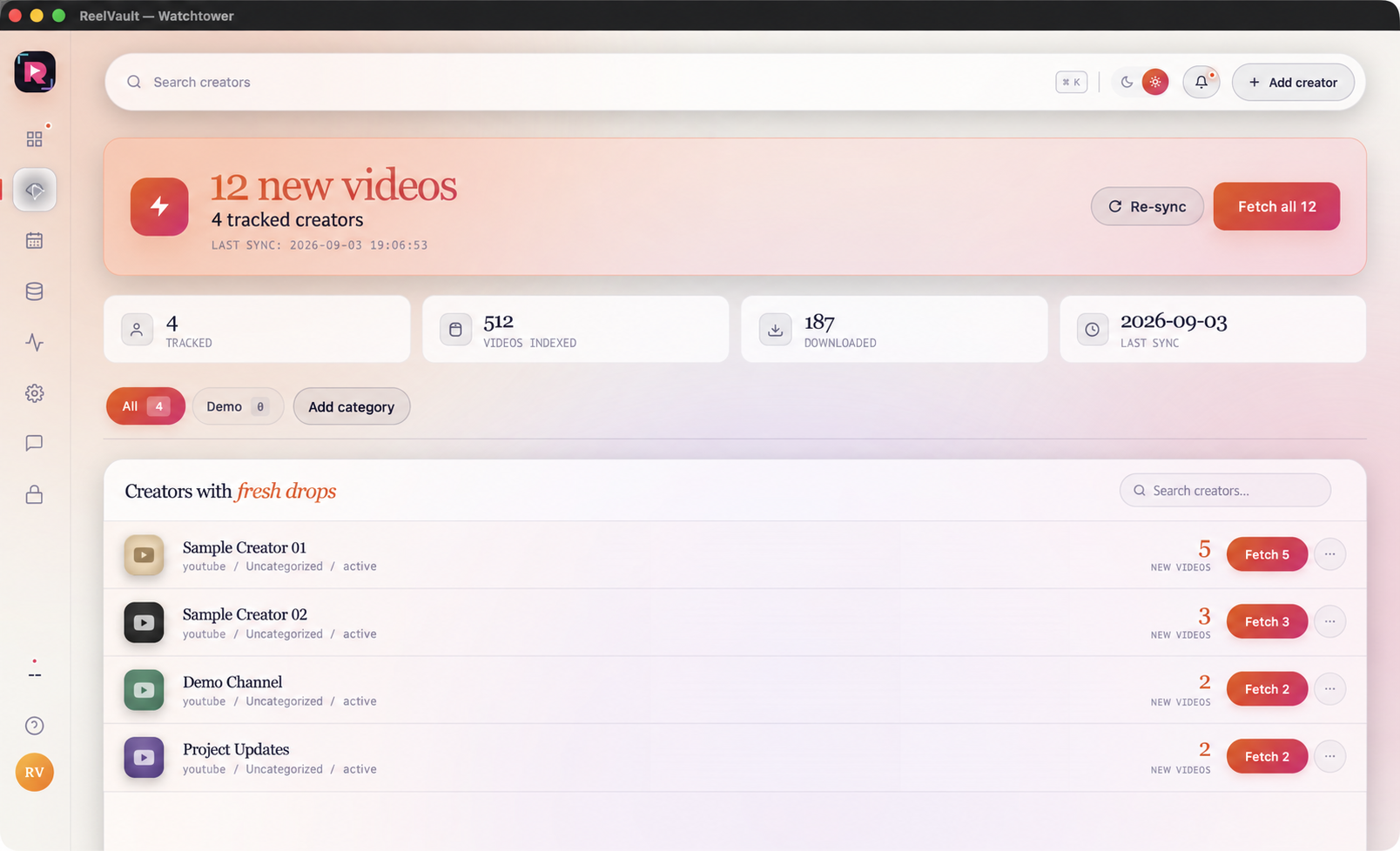
Learn Studio, Watchtower, Bulk Planner, Data Center, Activity, every Settings group, Processing, Support and License.
- Add links and choose the right range
- Track creators and plan repeat jobs
- Find files, set defaults and get help
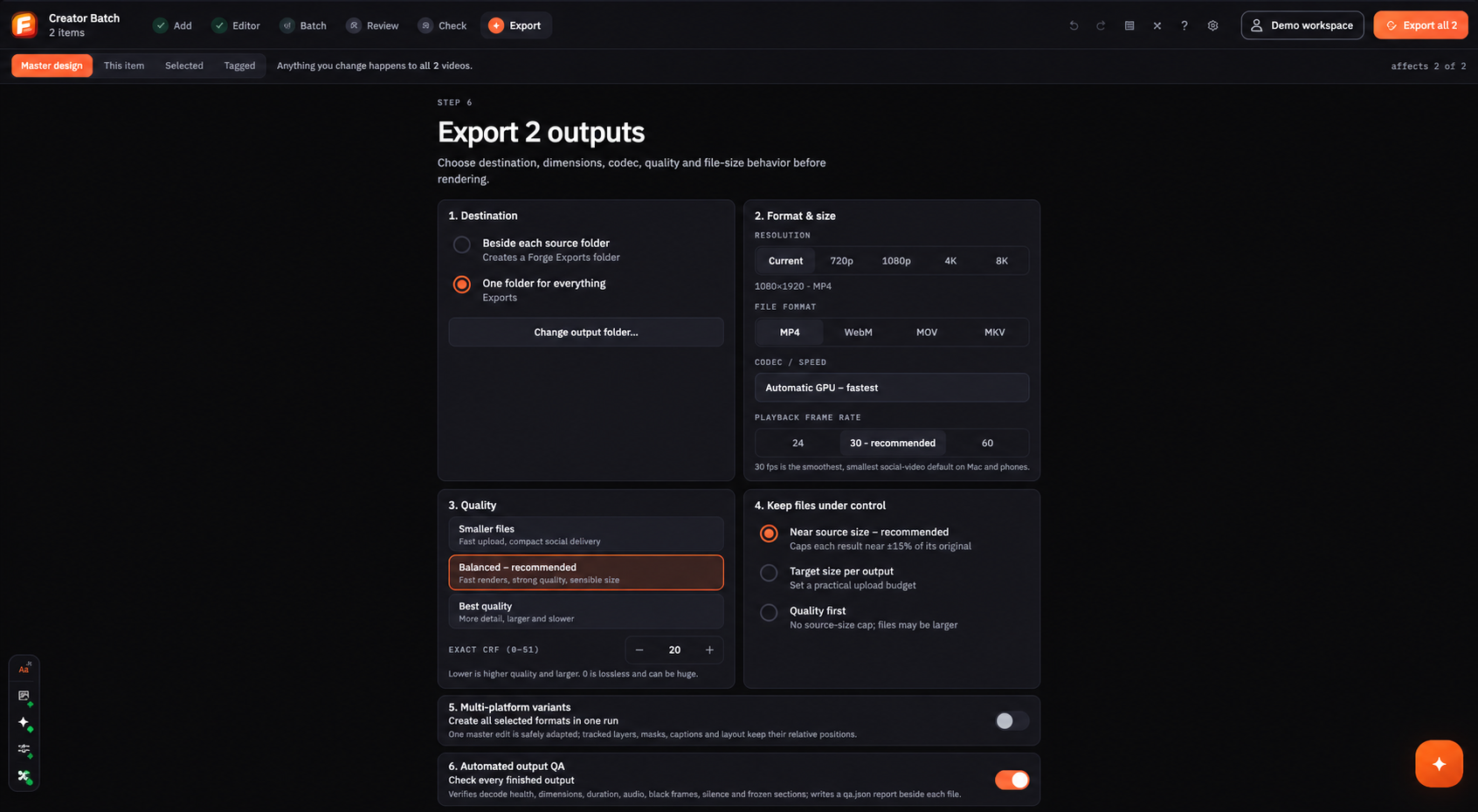
From imported clips to checked exports.
Learn Add, all twelve Editor tools, Batch, Review, Rights Check and Export in the same order as the app.
- Set one main design for the batch
- Use every editor tool and caption control
- Review notes and check final files
Learn the two apps as one connected system.
Use this path when your job starts with source links and finishes with checked, ready-to-upload videos.
Add links and choose the range.
Start collection ↗ 02ReelVault · WatchtowerFind new videos from saved creators.
Track sources ↗ 03ReelVault · Data CenterCheck files, folders and saved rules.
Finish the vault ↗ 04Forge · Add + BatchOpen the clips and set one main design.
Build the batch ↗ 05Forge · EditorAdd captions and improve the videos.
Learn the editor ↗ 06Forge · Review + ExportCheck every result and export the batch.
Finish the run ↗See it. Understand it. Do the job.
Open the menu you need, follow the steps and check the result before moving on.
Pick a menu
Start with the same name you see inside the software.
See the screen
Use the full screenshot and zoom for details.
Follow steps
Complete one clear action at a time.
Check the result
Know what success and attention states mean.
Move on
Open the next screen without losing your place.