Collect in one run
Profiles, playlists and individual links in one queue.
Download videos in bulk, follow new posts from your saved creators, and keep every file in one place. Less collecting. More creating.
Start with a link. Follow your batch.
Interactive preview ↓Bring your sources into one queue. Keep up with new videos and find every saved file without searching through folders.
Profiles, playlists and individual links in one queue.
Saved creators, fresh-video counts and reviewed fetches.
A local vault, file states and download history.
Follow the steps. See the actual app at each stage.
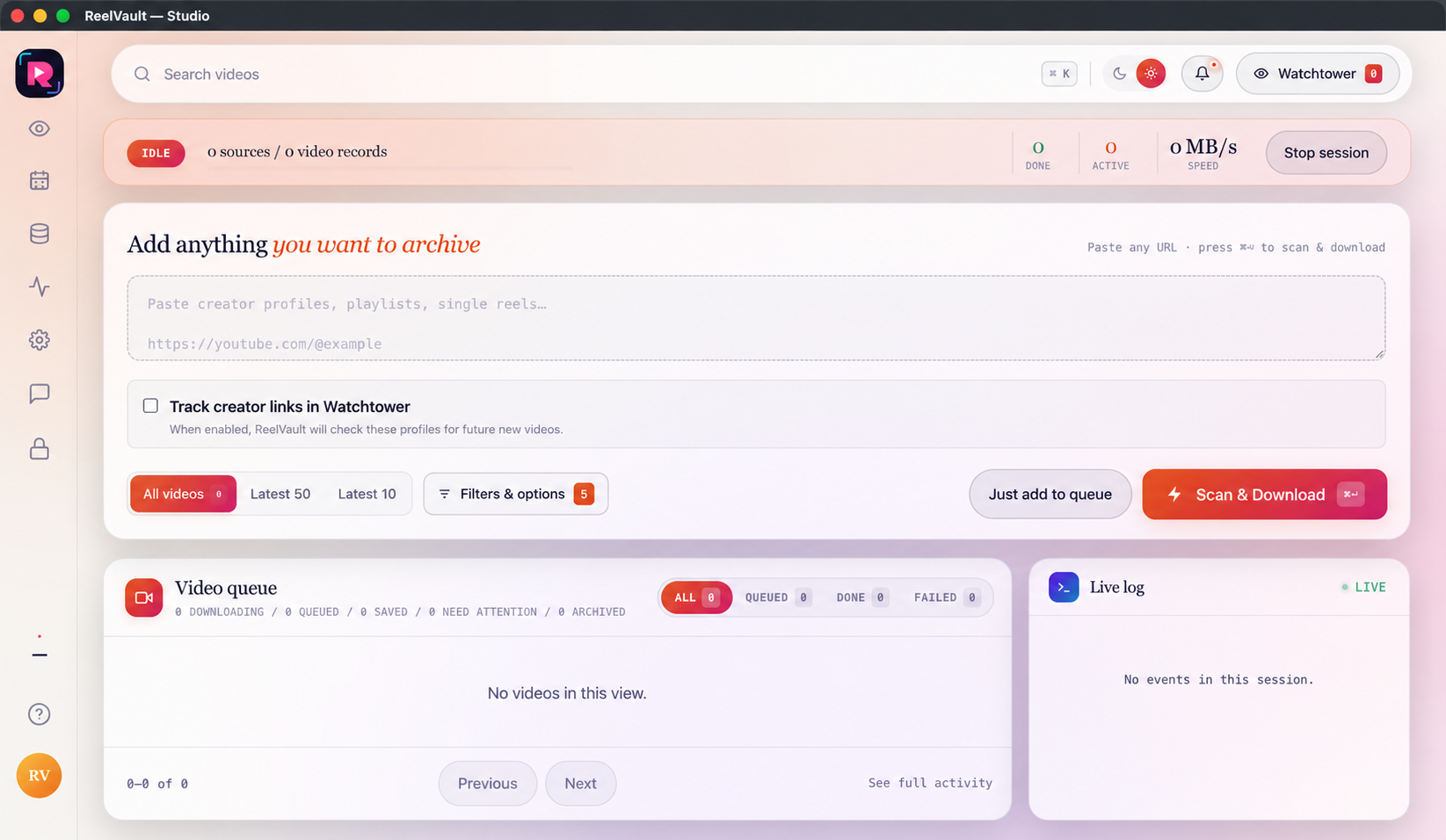
Paste a profile, playlist or video link you are allowed to use. Pick All, Latest 50, Latest 10 or your own filters. Then queue the job or start Scan & Download.
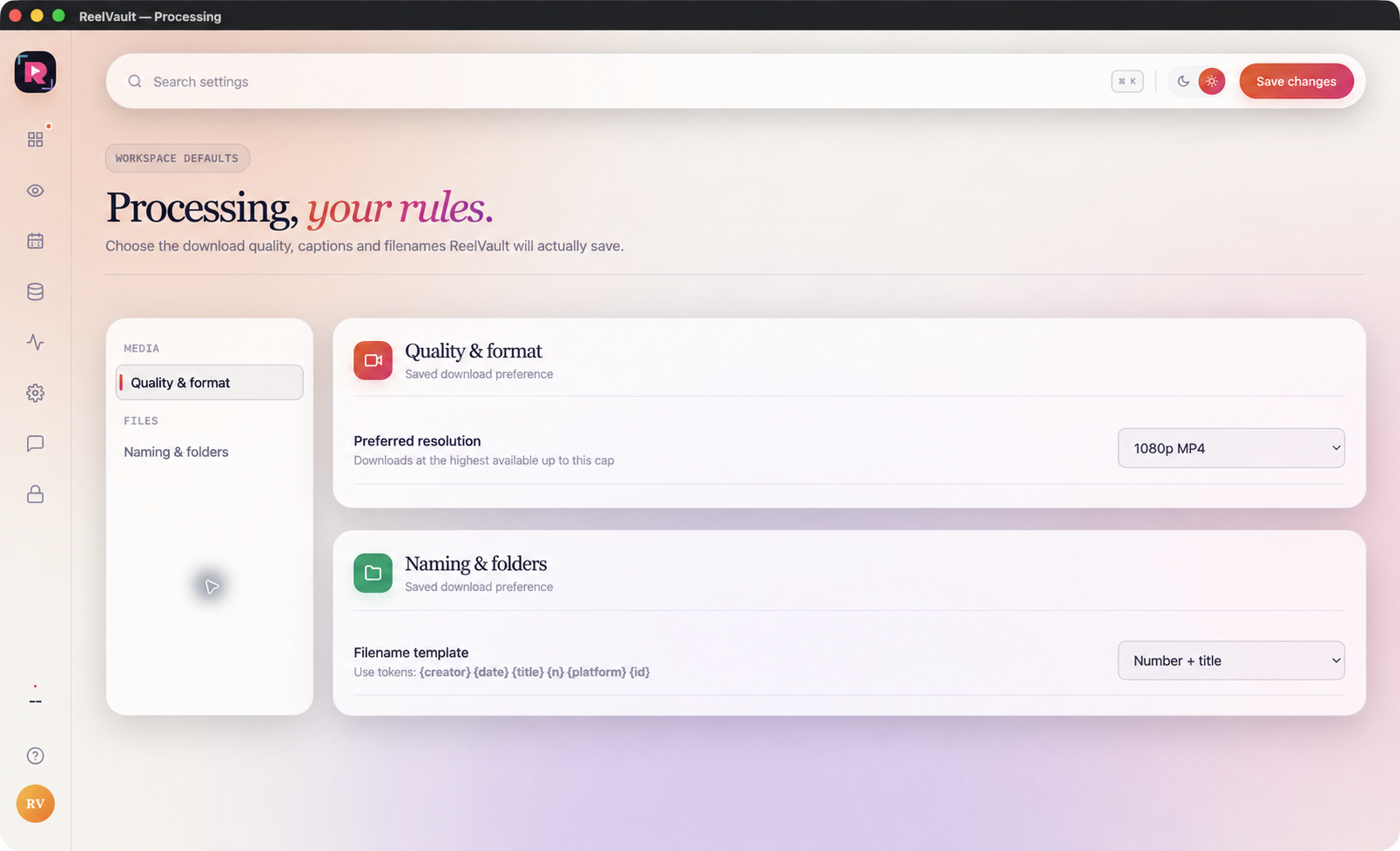
Choose the quality, file names and folder rules before a large run. Keep thumbnails, subtitles and metadata with the videos when you need them.
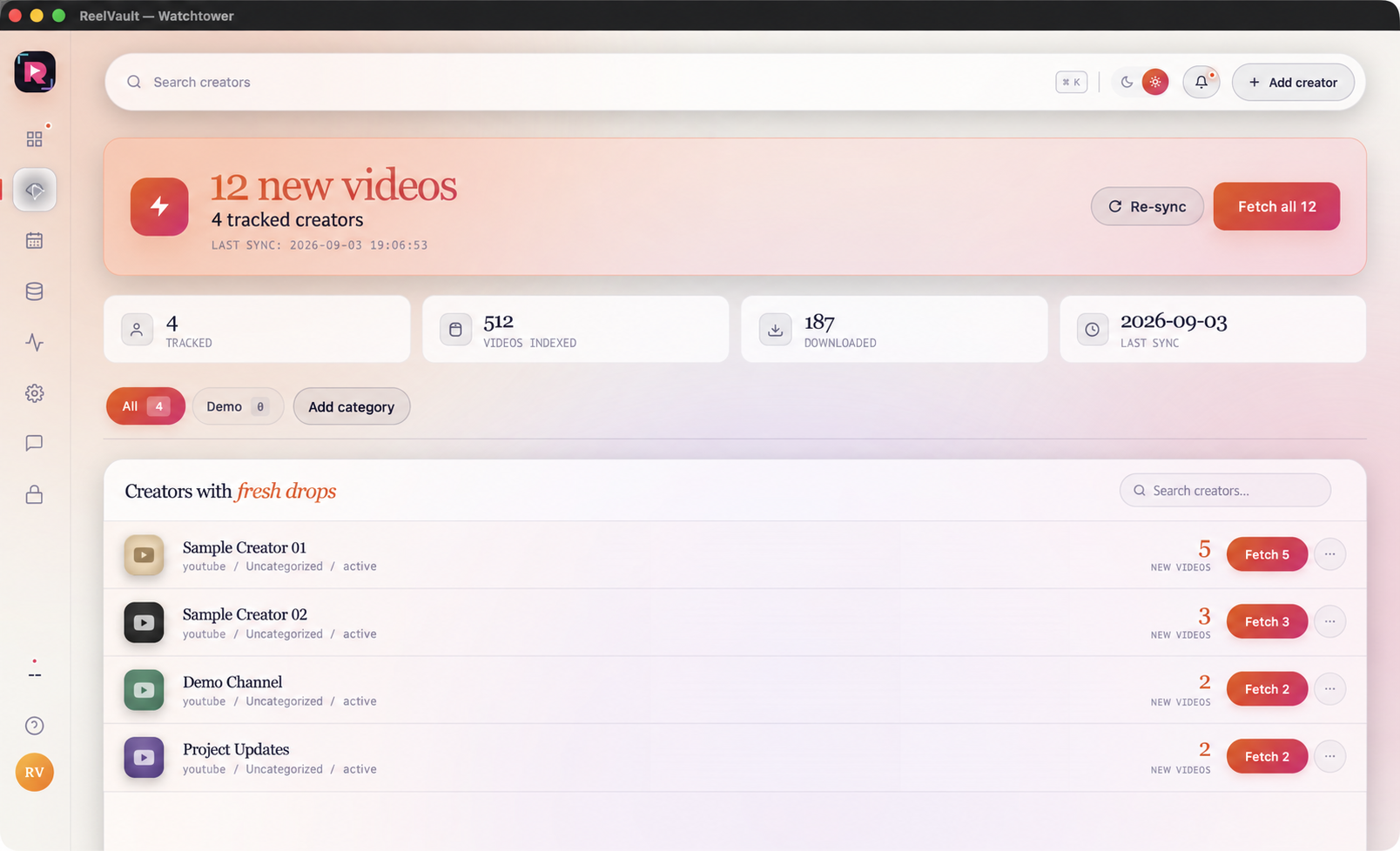
Sync a creator, review the new-video count and fetch what you need. Categories and last-sync states help you keep a repeat collection job organised.
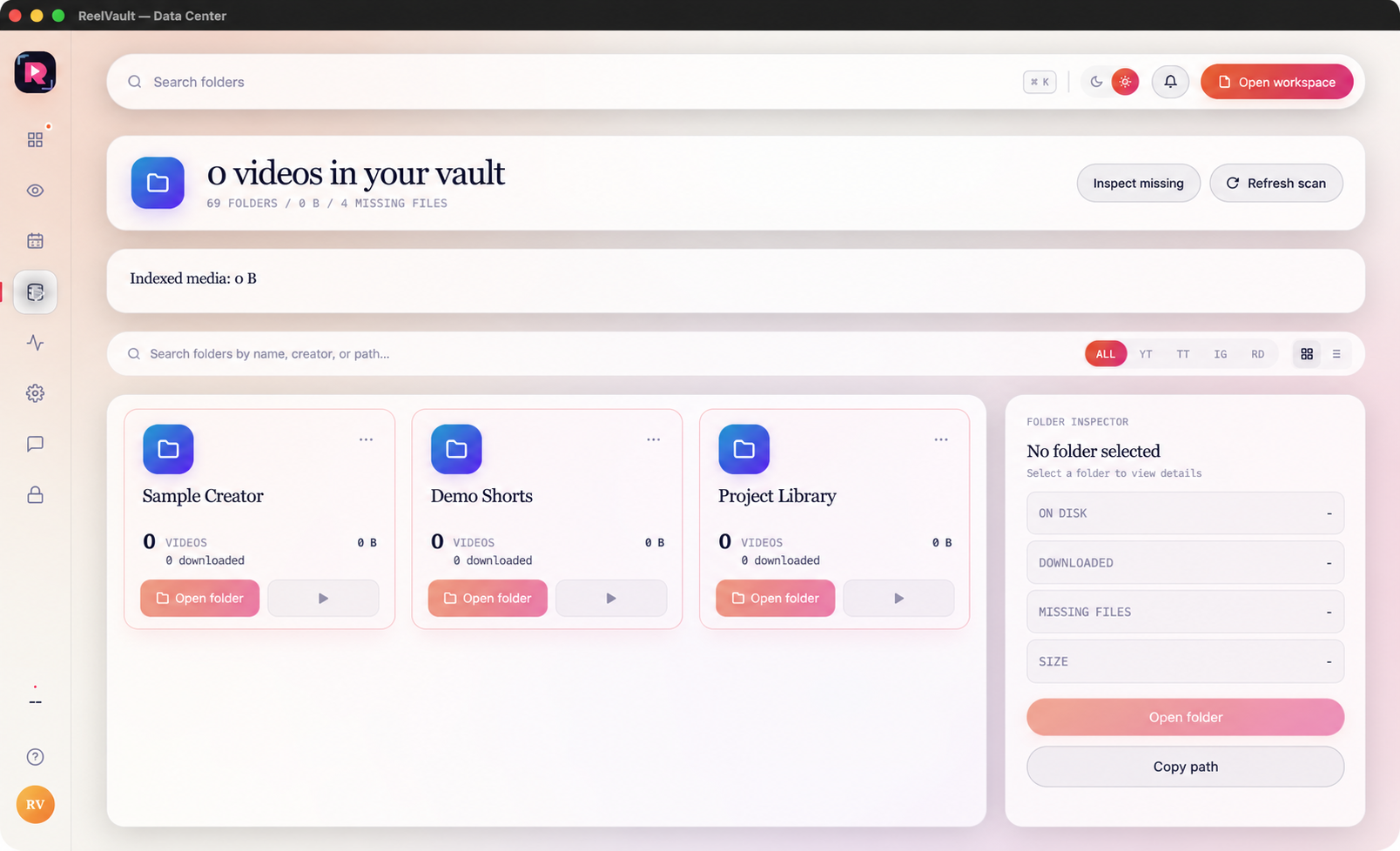
Search your local library. Inspect a record, open its file or check a missing-file state. Download history helps avoid collecting the same video again.
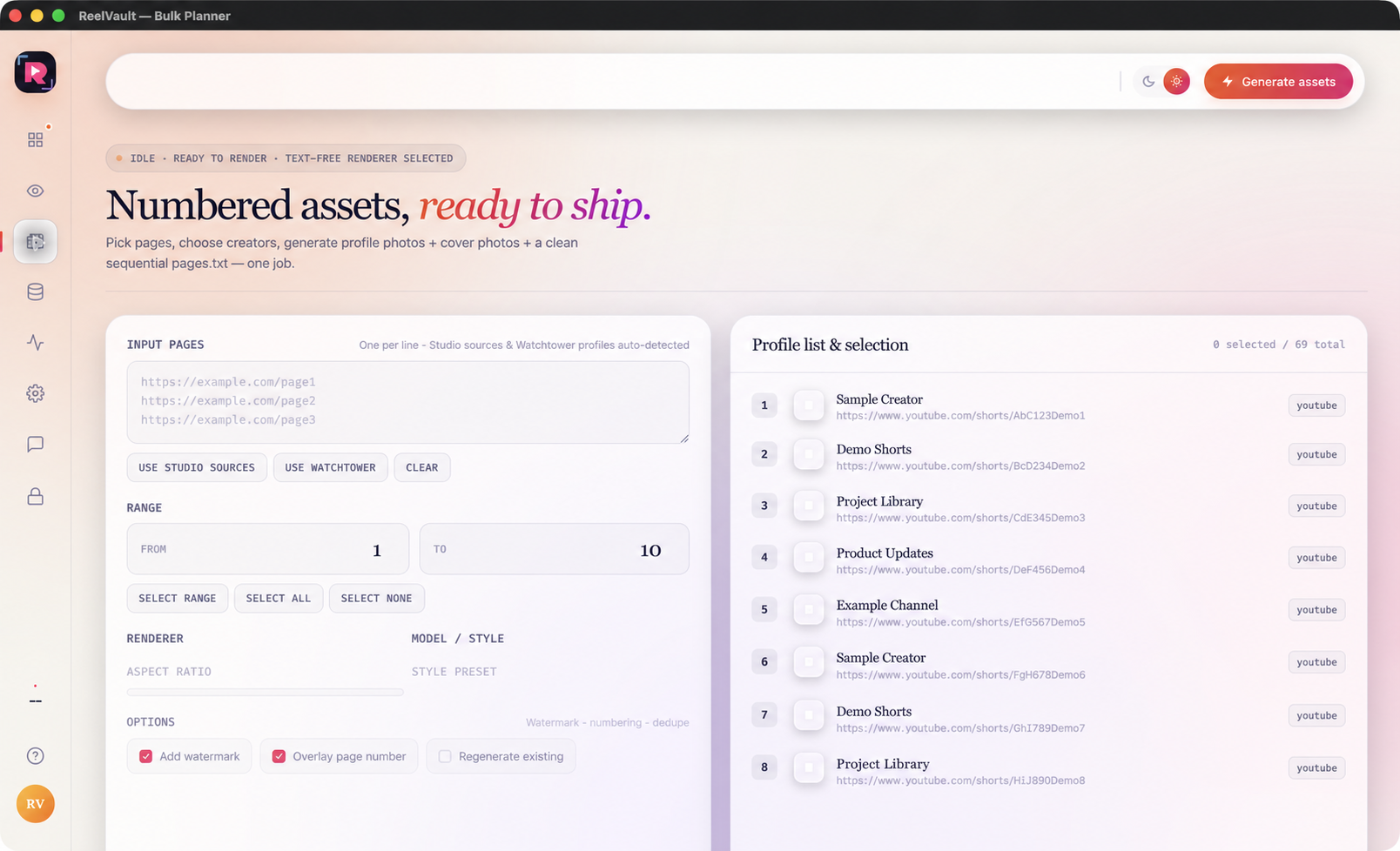
Reuse Studio or Watchtower sources, or paste a list. Select the range, generate local profile and cover assets, then open the organised output folder.
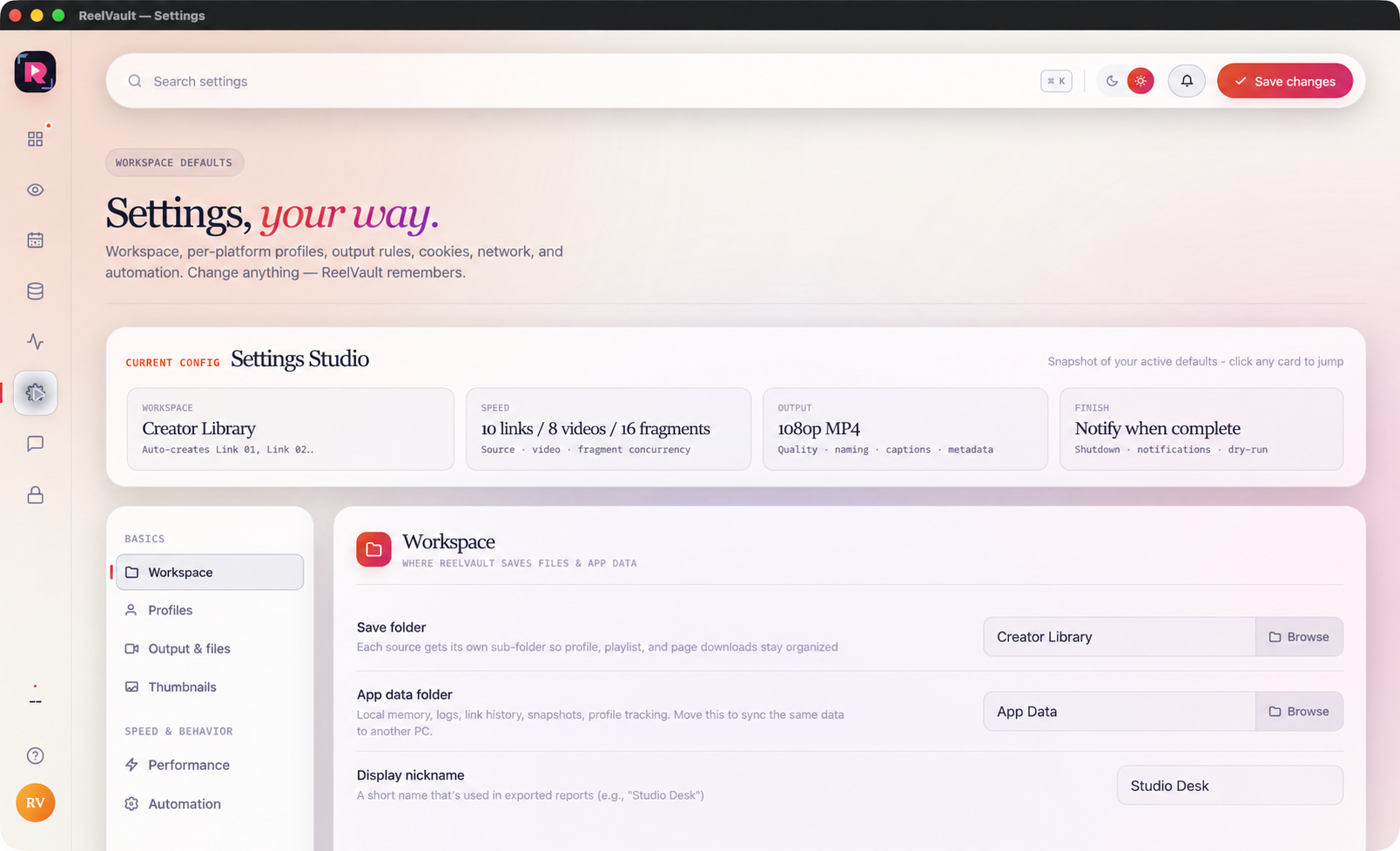
Choose your workspace, output folders and performance settings. Manage platform login separately from your media, and use Activity or Help when a job needs attention.
 Open full screen ↗
Scroll to follow the workflow